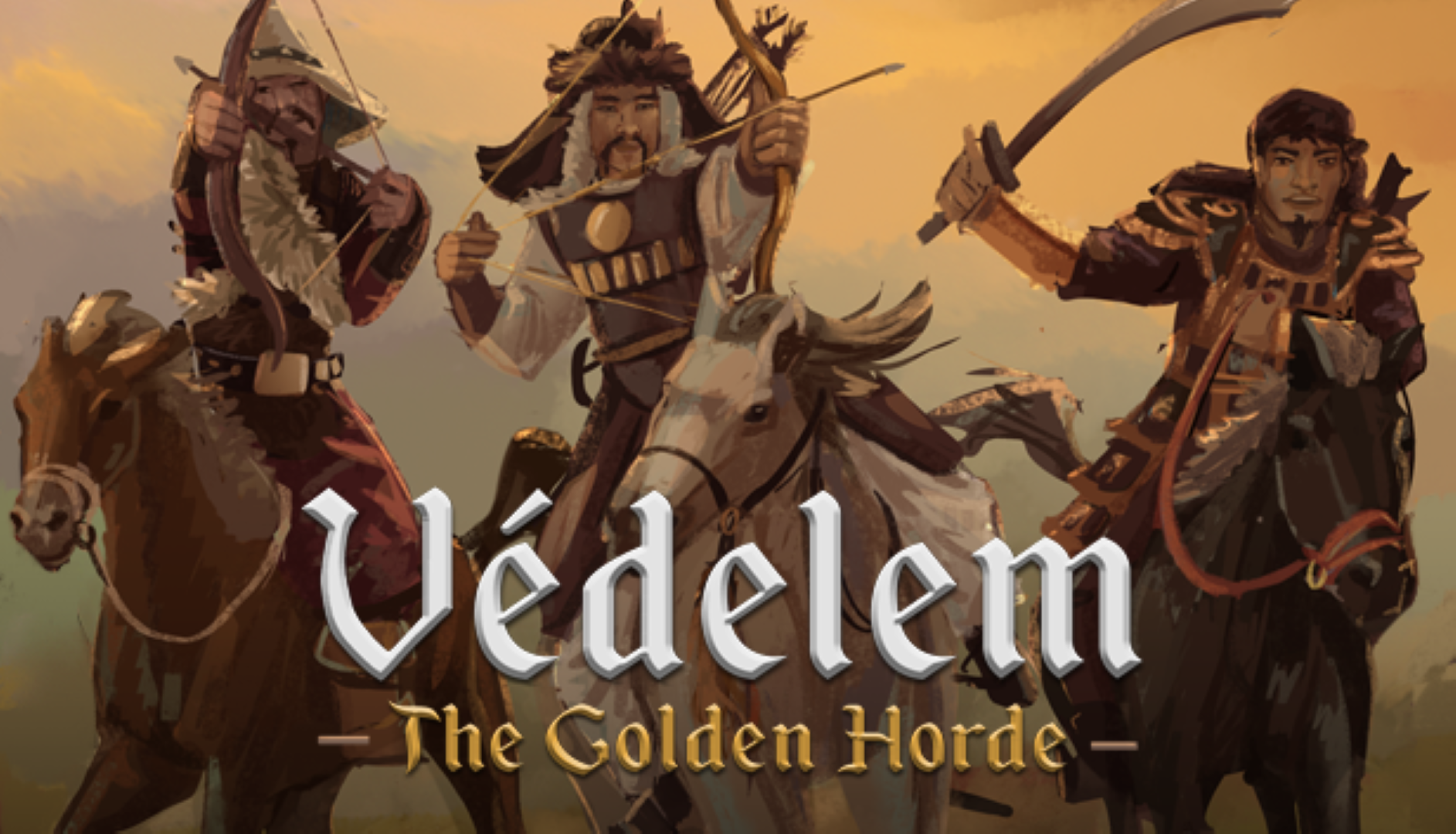
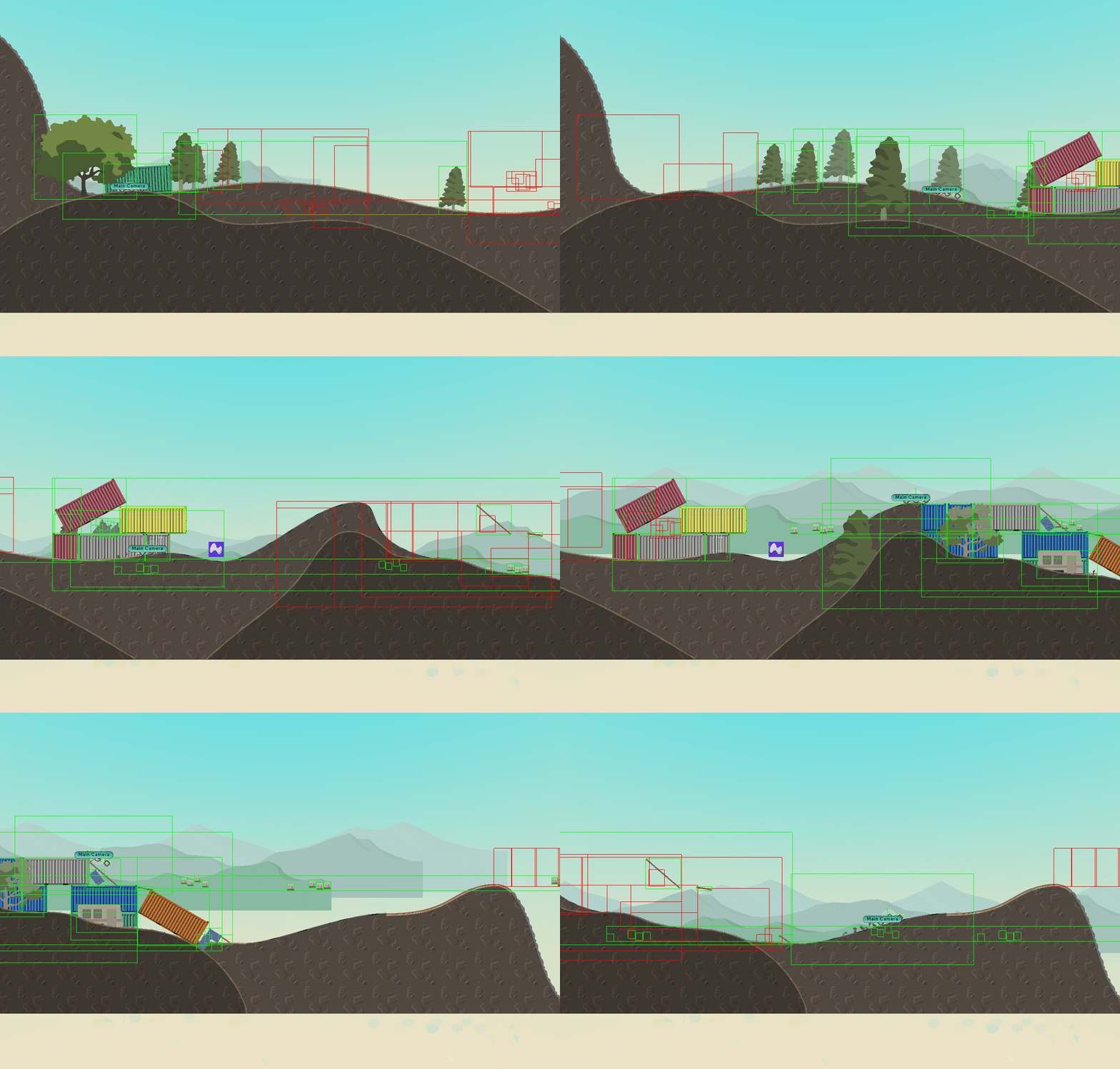
Vedelem: The Golden Horde is a Real Time Strategy game set in 13th century eastern Europe. The Golden Horde is the biggest and deadliest Mongolian invasion that the world has ever seen. As the last line of defense, you are called to save your lands against the Mongol empire. They will ruthlessly attempt to pillage your economy and bring your Keep to ruin.
Manage the economy of your Castle, build new structures, find and exploit resources and expand your borders while mustering an army capable of repelling the Mongolian Invasion.
Continue reading
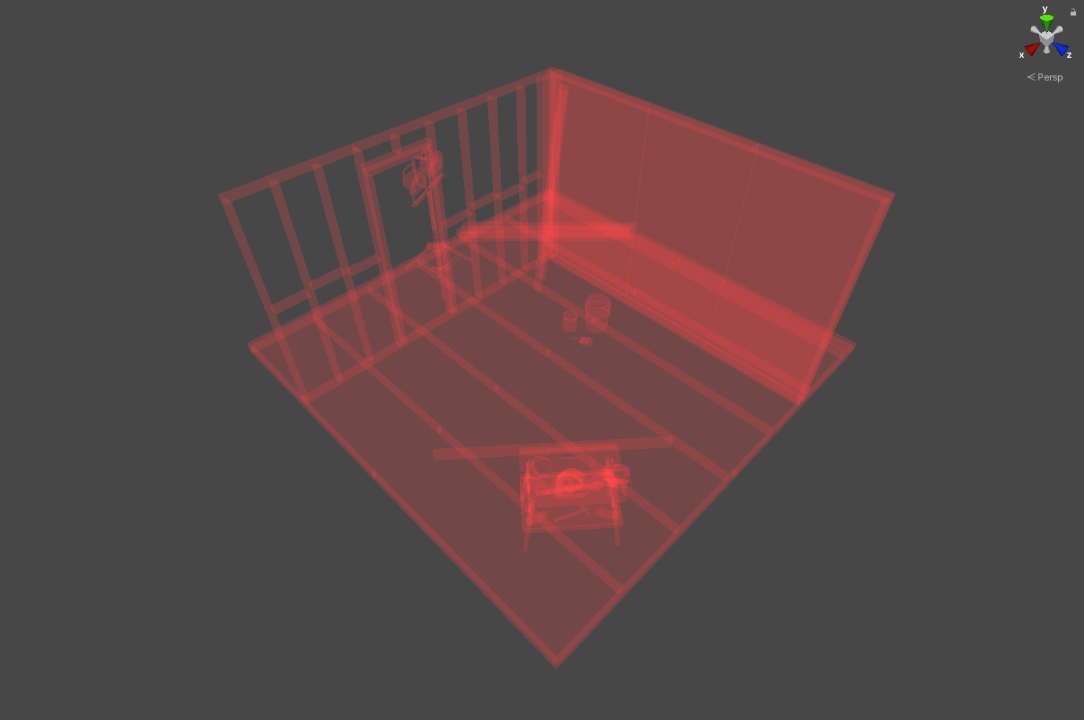
A small debugging tool to draw the editor scene with replacement shaders. This can be helpful when blocking out a level or finding issues within the scene.
Features User presets Shader and parameter configuration Included examples Base color Triplanar grid (lit and unlit) World and object space normals Overdraw UV checker GitHub
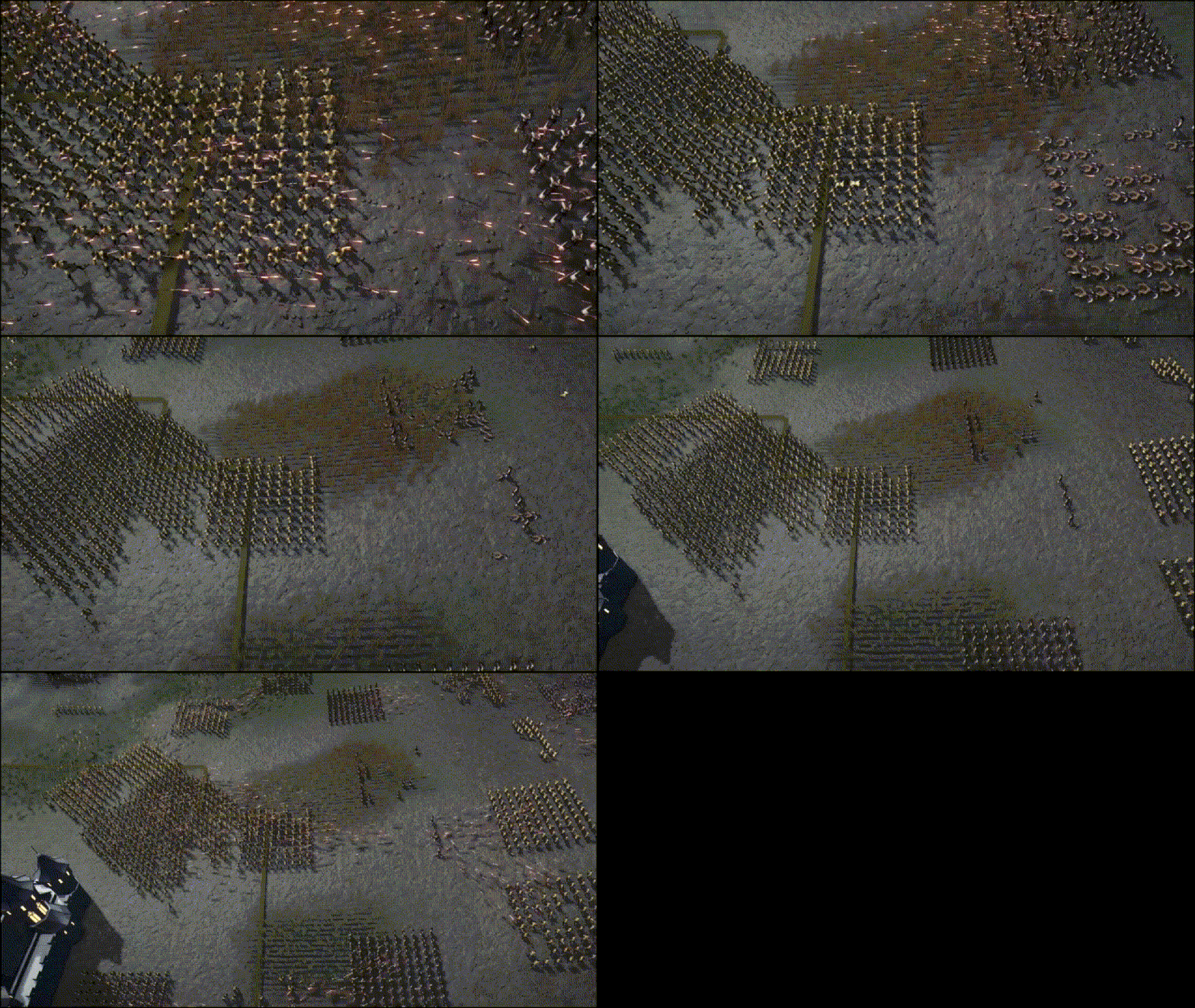
The vertex animation package is a solution with the goal of having thousands of units on screen at the same time, each one controlled by its own animation state.
Project Details I worked on this project while I was part of the Tech Art Outsource team. This tool was build for project Castle, it’s a game where thousands of units are on the screen at the same time. To render all of these on screen they needed an effective solution. This project was already using Unity DOTS, so this was the perfect opportunity to get started with this and utilize the “performance by default” technology.
Continue reading
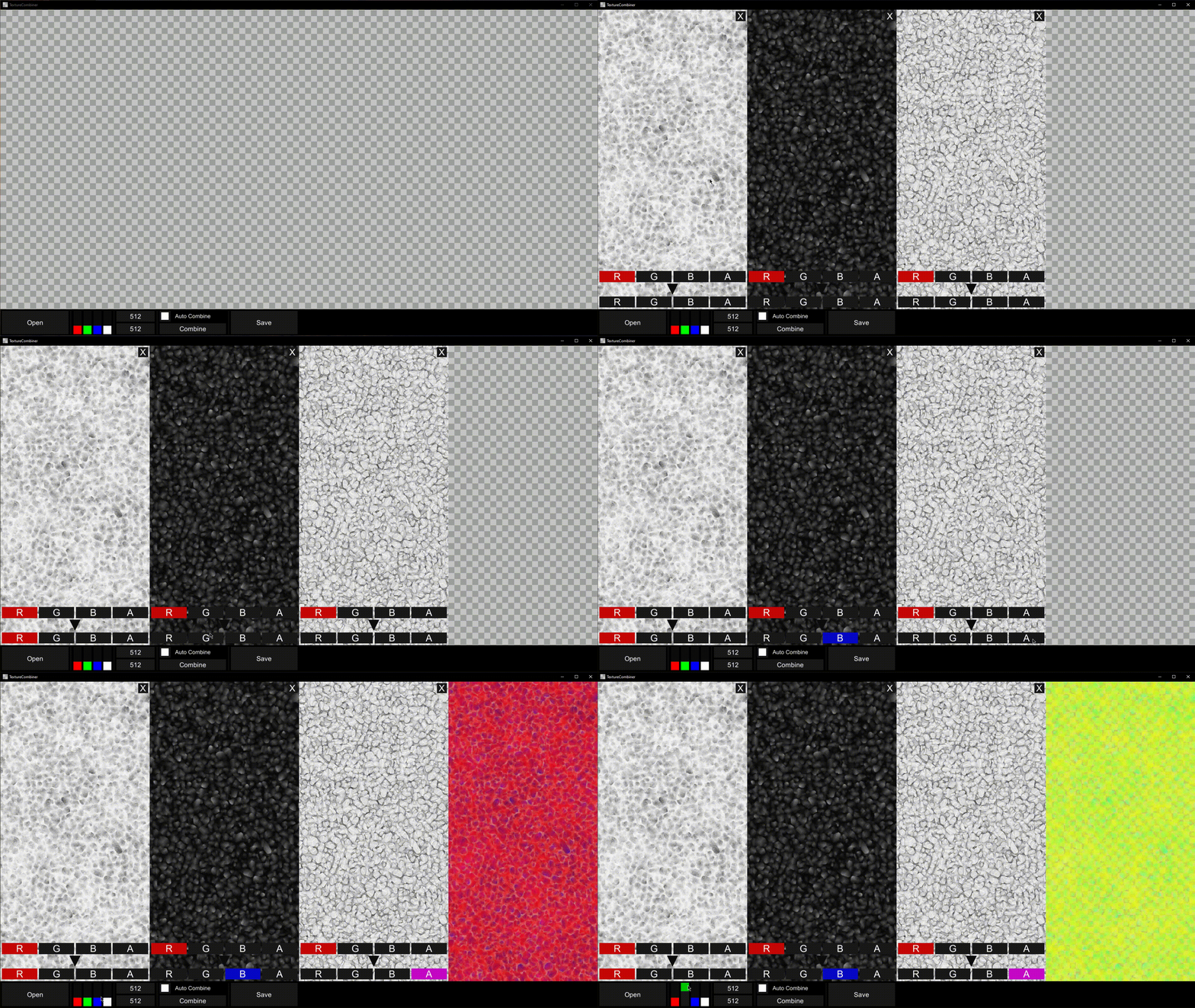
A tool to quickly combine multiple textures into one. It is available for WebGL and Windows.
This tool was made during development of the landscape shader. This shader used packed textures to reduce the amount of samples needed. In order to allow the end-users to quickly create their own packed textures I created this tool. Now anyone on the team can use the tool without having other photo manipulation software installed on their machine.
Continue reading
INTRODUCTION In a solar flare ravaged world over 20 years into the future, humanity is in a struggle for resources. Most of the earth’s water supply has been radiated into space before the earth’s magnetic field could restore itself. A small group of survivors set out through the ravaged world to find a government build bunker on the east coast of the United States. Approaching the approximate bunker location a massive sandstorm hit the group of survivors.
Waking up on some planks inside an old fishing vessel, you find out that your group is gone.
There is nothing left for you but some supplies and a map with some scribbles on it.
You have to find out where your group went and find the bunker before you run out of supplies and health. There are many dangers in the wasteland: tornado’s, radiation and storms that will make you wish you would have stayed in the fishing vessel.
Continue reading
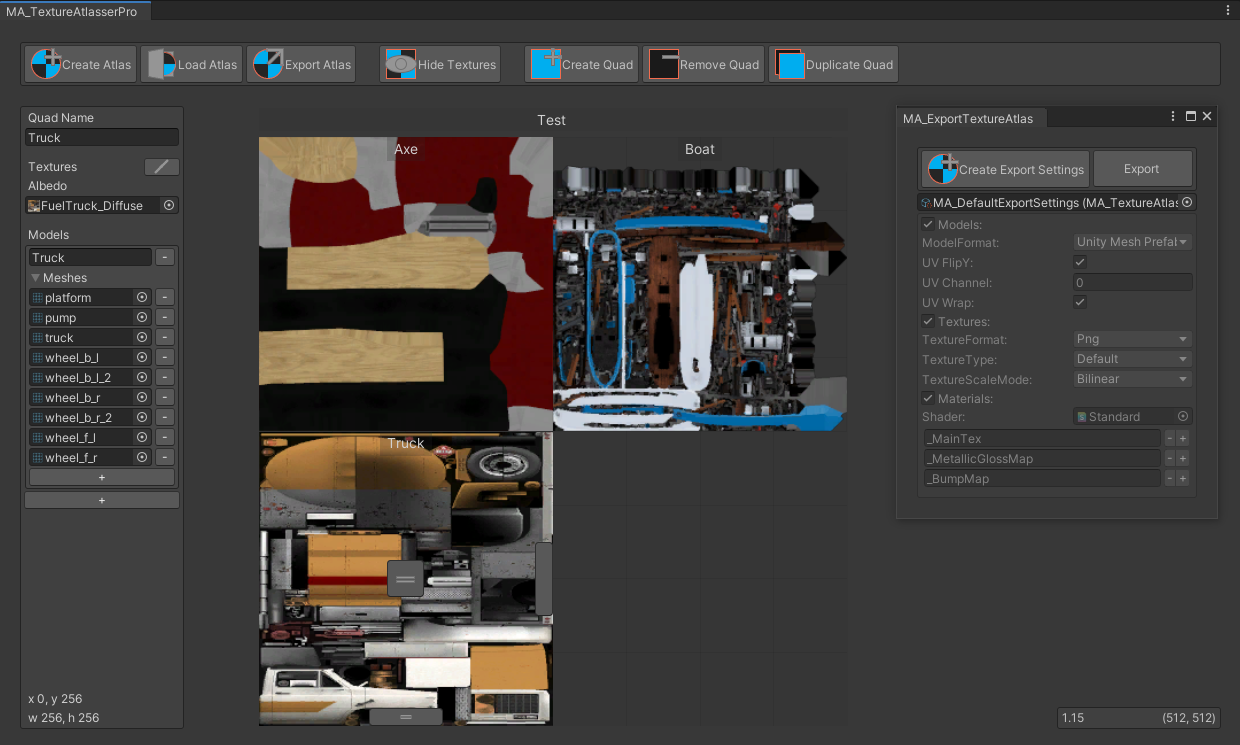
Texture atlas creator tool for Unity.
This tool is made to combine textures and/or remap the UV’s for 3D models. The tool can also be used to make 2D sprite sheets. The visual editor gives you the ability to set and prioritize the sizes and positions in the texture atlas/sprite sheet.
Project Details By having full control over the size and position of the textures that are being placed in the atlas you will never stand for surprises when exporting. This will cost some more time than auto-generating your texture atlases but you know whats going on and which models/textures are getting priority.
Continue reading
When building for the Microsoft HoloLens there are a lot of new opportunities, challenges and designs when it comes to building a User Interface. But at the moment the field of view is quite limited and you (or at least I) don’t want to ‘cut off’ to many visuals on my screen. By cutting of visuals the view looks even smaller as you can see the ‘borders’ of the screen, this creates a narrow feeling. To reduce this I have looked at what Microsoft did for their UI designs.
Continue reading
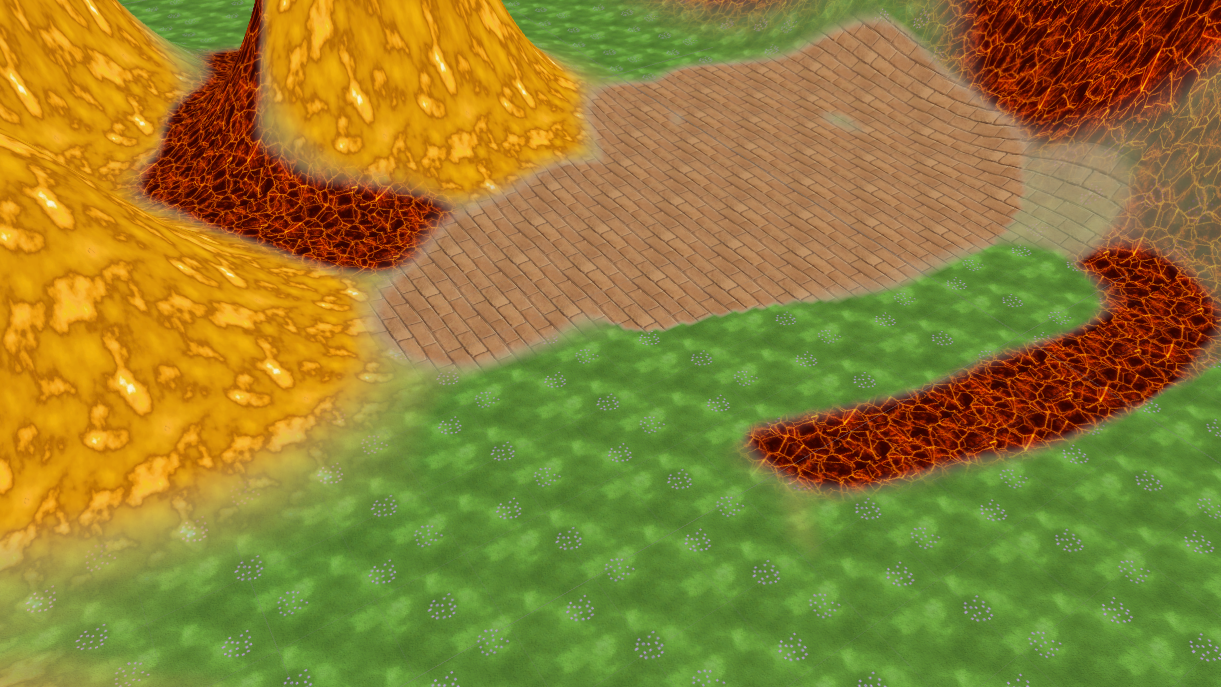
Intro In this tutorial, I’m going to show you how to create a terrain shader in Unity with Shader Sandwich. In this example, we will make an unlit shader, but of course you can make all kind of terrain shaders with this technique. The shader can handle up to 4 textures.
Index [Terrain setup](http://Terrain setup) [Shader Sandwich setup](http://Shader Sandwich setup) [Adding the first texture](http://Adding the first texture) [Adding the second texture](http://Adding the second texture) [Adding the control masks](http://Adding the control mask) [Finalizing the shader](http://Finalizing the shader) Terrain setup We start by creating a new empty scene, in the new scene we will create a new terrain. In the terrain options, we will disable Cast Shadowsand set the Material to Custom. In the project folder, we will make a new material and assign it to the Custom slot. We can also disable the Reflection probes as we are not going to use it. And lastly, we already add one texture to the terrain.
Continue reading