
ShaderSandwich

Unity HoloLens UI Shader

When building for the Microsoft HoloLens there are a lot of new opportunities, challenges and designs when it comes to building a User Interface. But at the moment the field of view is quite limited and you (or at least I) don’t want to ‘cut off’ to many visuals on my screen. By cutting of visuals the view looks even smaller as you can see the ‘borders’ of the screen, this creates a narrow feeling. To reduce this I have looked at what Microsoft did for their UI designs. Continue reading
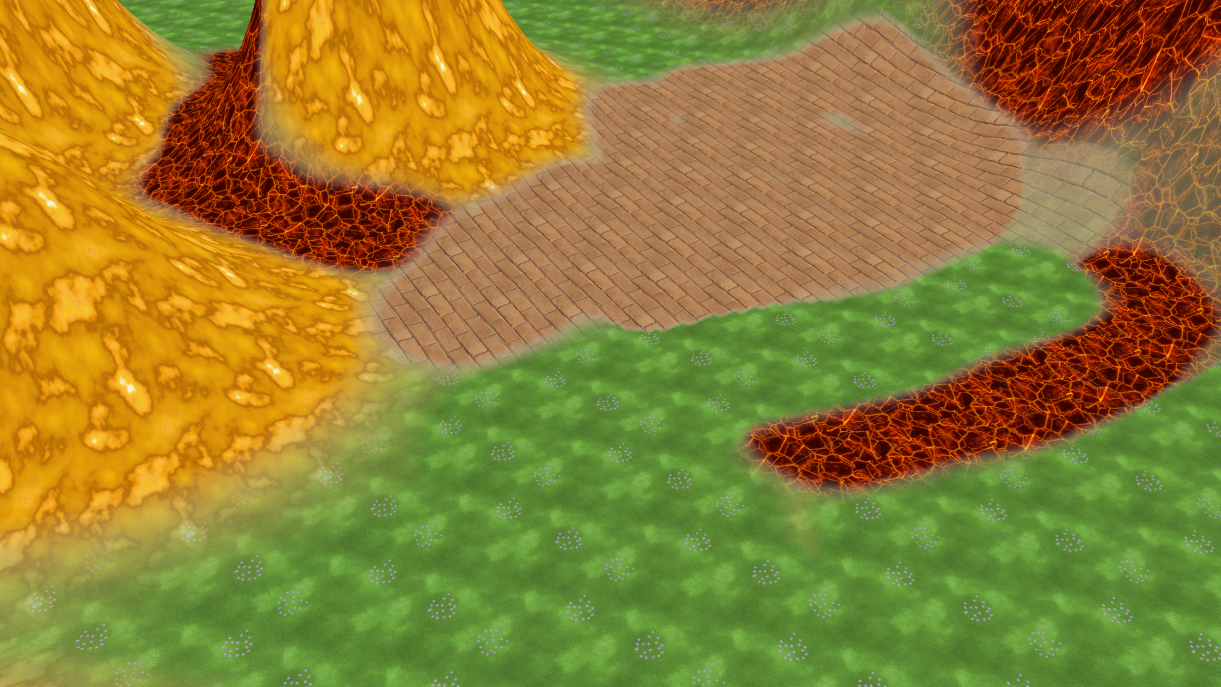
Shader Sandwich - How to make a (unlit) terrain shader

Intro In this tutorial, I’m going to show you how to create a terrain shader in Unity with Shader Sandwich. In this example, we will make an unlit shader, but of course you can make all kind of terrain shaders with this technique. The shader can handle up to 4 textures. Index [Terrain setup](http://Terrain setup) [Shader Sandwich setup](http://Shader Sandwich setup) [Adding the first texture](http://Adding the first texture) [Adding the second texture](http://Adding the second texture) [Adding the control masks](http://Adding the control mask) [Finalizing the shader](http://Finalizing the shader) Terrain setup We start by creating a new empty scene, in the new scene we will create a new terrain. In the terrain options, we will disable Cast Shadowsand set the Material to Custom. In the project folder, we will make a new material and assign it to the Custom slot. We can also disable the Reflection probes as we are not going to use it. And lastly, we already add one texture to the terrain. Continue reading