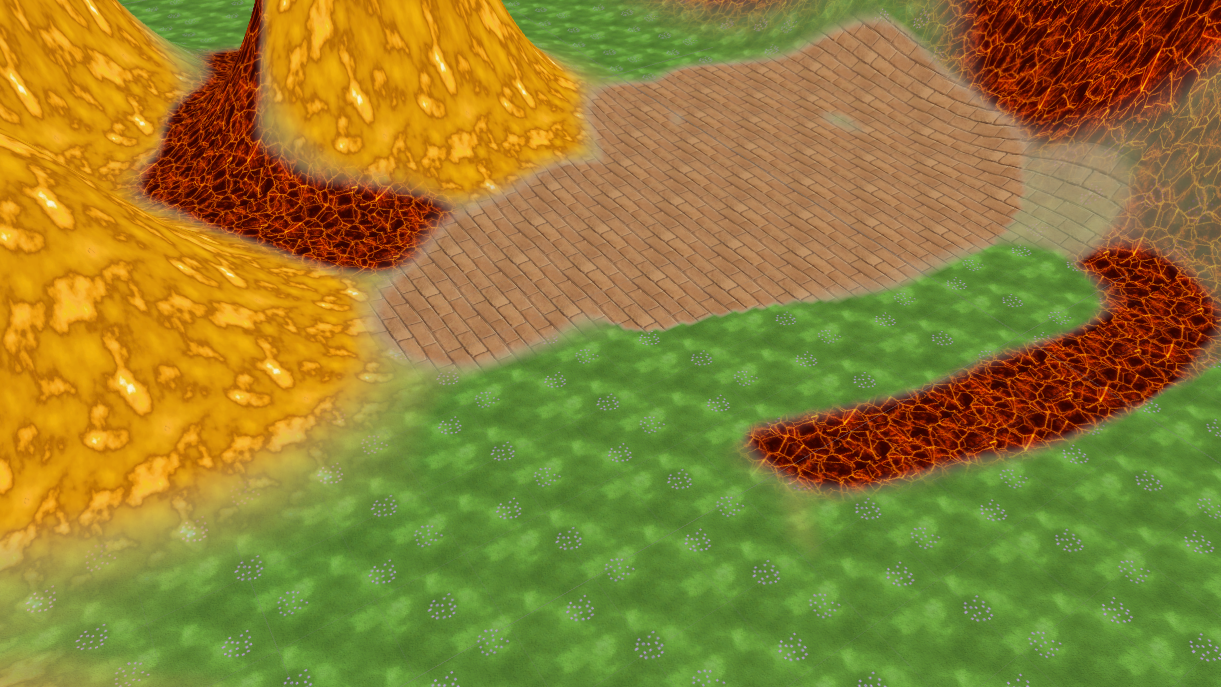
Shader Sandwich - How to make a (unlit) terrain shader
Intro In this tutorial, I’m going to show you how to create a terrain shader in Unity with Shader Sandwich. In this example, we will make an unlit shader, but of course you can make all kind of terrain shaders with this technique. The shader can handle up to 4 textures. Index [Terrain setup](http://Terrain setup) [Shader Sandwich setup](http://Shader Sandwich setup) [Adding the first texture](http://Adding the first texture) [Adding the second texture](http://Adding the second texture) [Adding the control masks](http://Adding the control mask) [Finalizing the shader](http://Finalizing the shader) Terrain setup We start by creating a new empty scene, in the new scene we will create a new terrain. In the terrain options, we will disable Cast Shadowsand set the Material to Custom. In the project folder, we will make a new material and assign it to the Custom slot. We can also disable the Reflection probes as we are not going to use it. And lastly, we already add one texture to the terrain. Continue reading